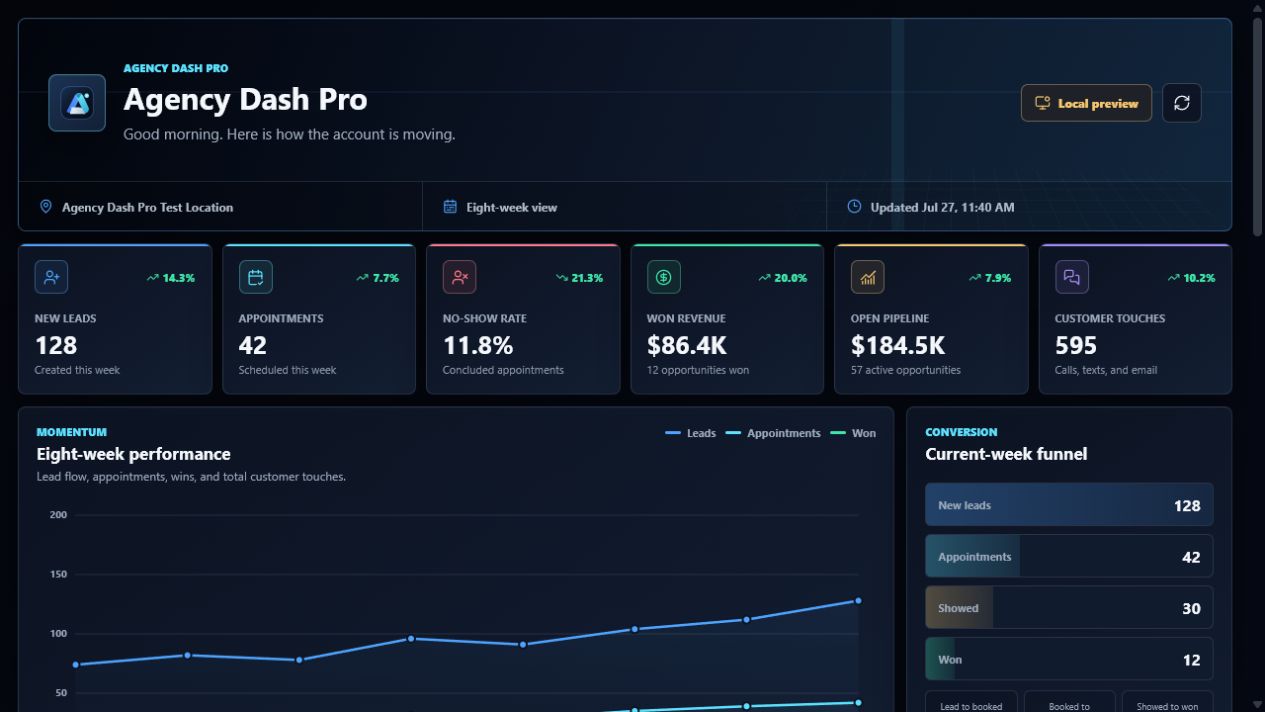
Agency reporting
Agency Dash Pro
Pipeline, appointments, revenue · for Agency owners
View example
Agency Dash Pro
Standardize client reporting across your roster.
First connected account is free. Paid plans are not available for purchase yet.
Your reporting service
Connect client accounts, reuse an approved dashboard starting point, and give each client a stable reporting destination. Your team sees the source, template, and embed workflow from one management portal.
Choose the connected account you are authorized to manage.
Apply the dashboard template that fits the reporting goal.
Embed the resulting dashboard in the client experience.
Dashboard examples
Agency reporting
Pipeline, appointments, revenue · for Agency owners
View example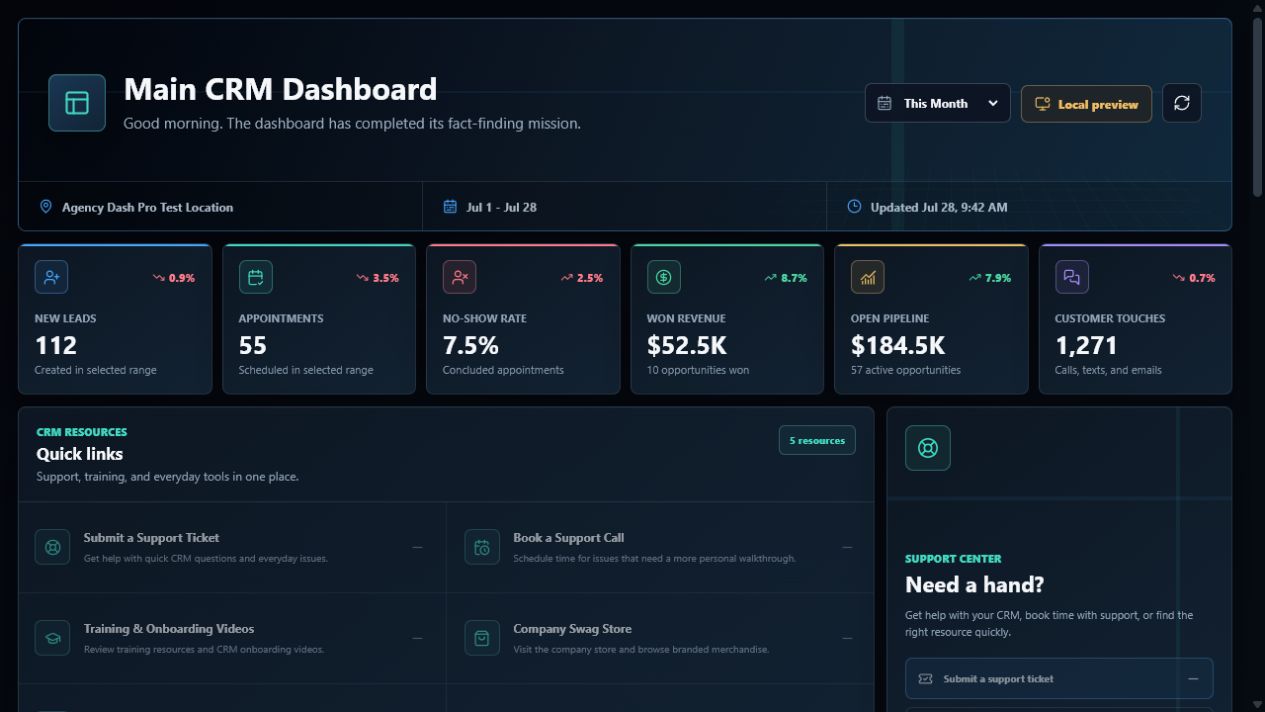
CRM operations
Contacts, appointments, support · for CRM teams
View example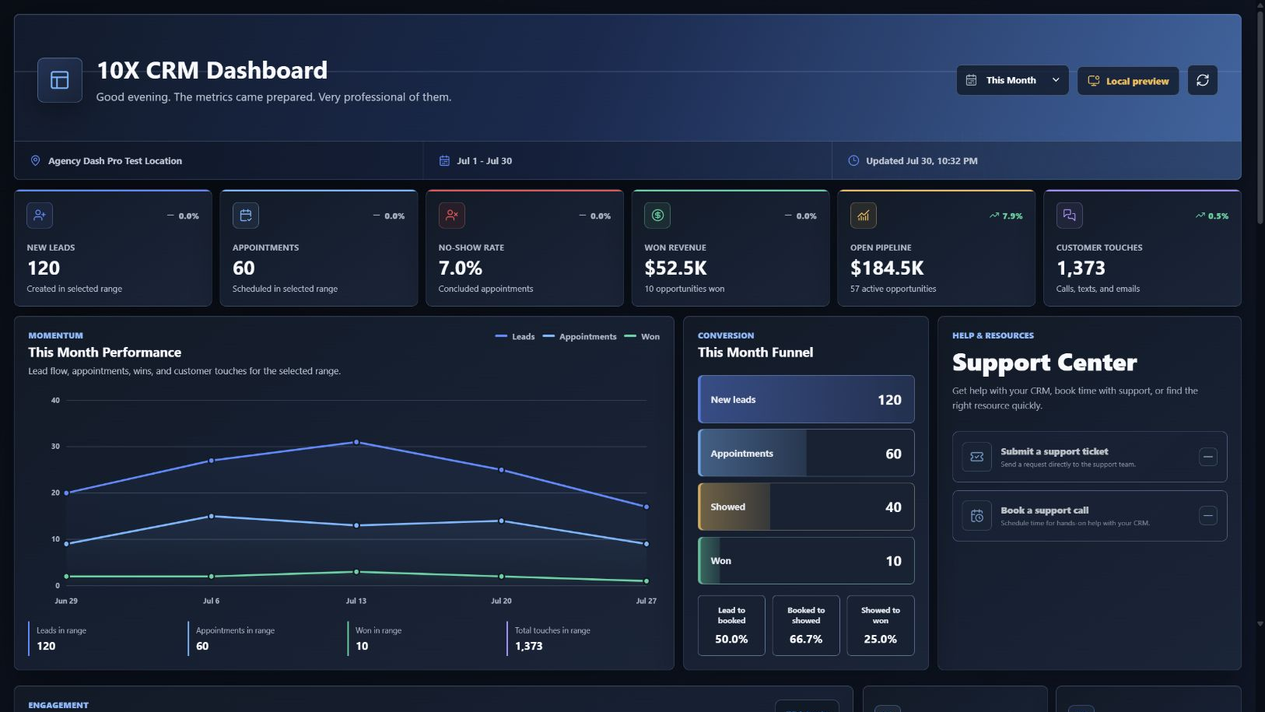
Sales operations
Pipeline and appointments · for Sales teams
View example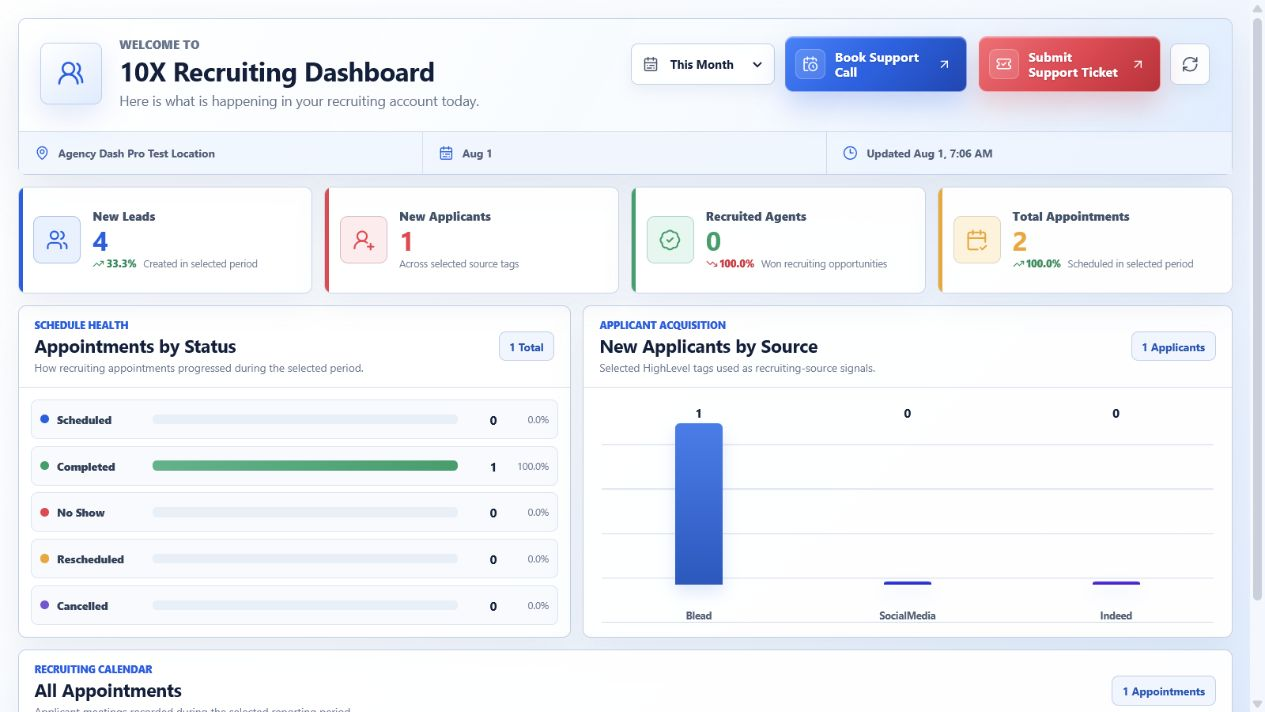
Recruiting
Applicants, interviews, sources · for Recruiting teams
View example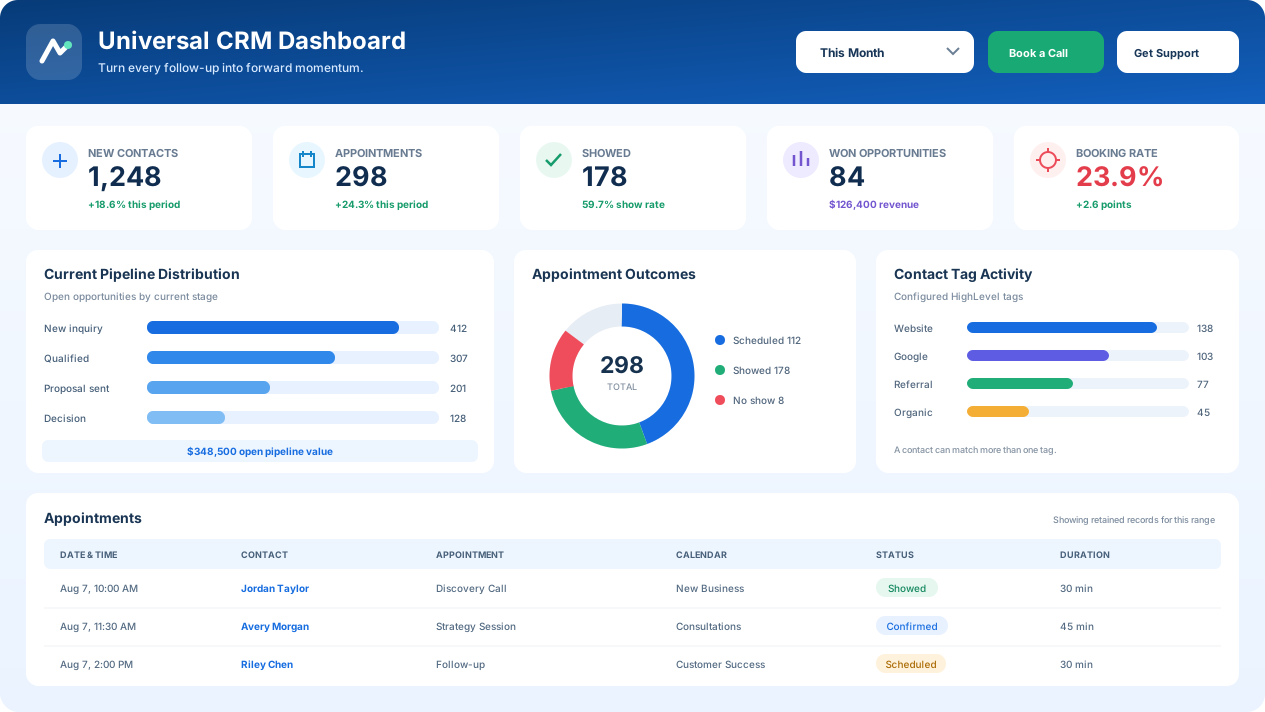
Flexible reporting
Contacts, tags, pipeline · for Consultants
View example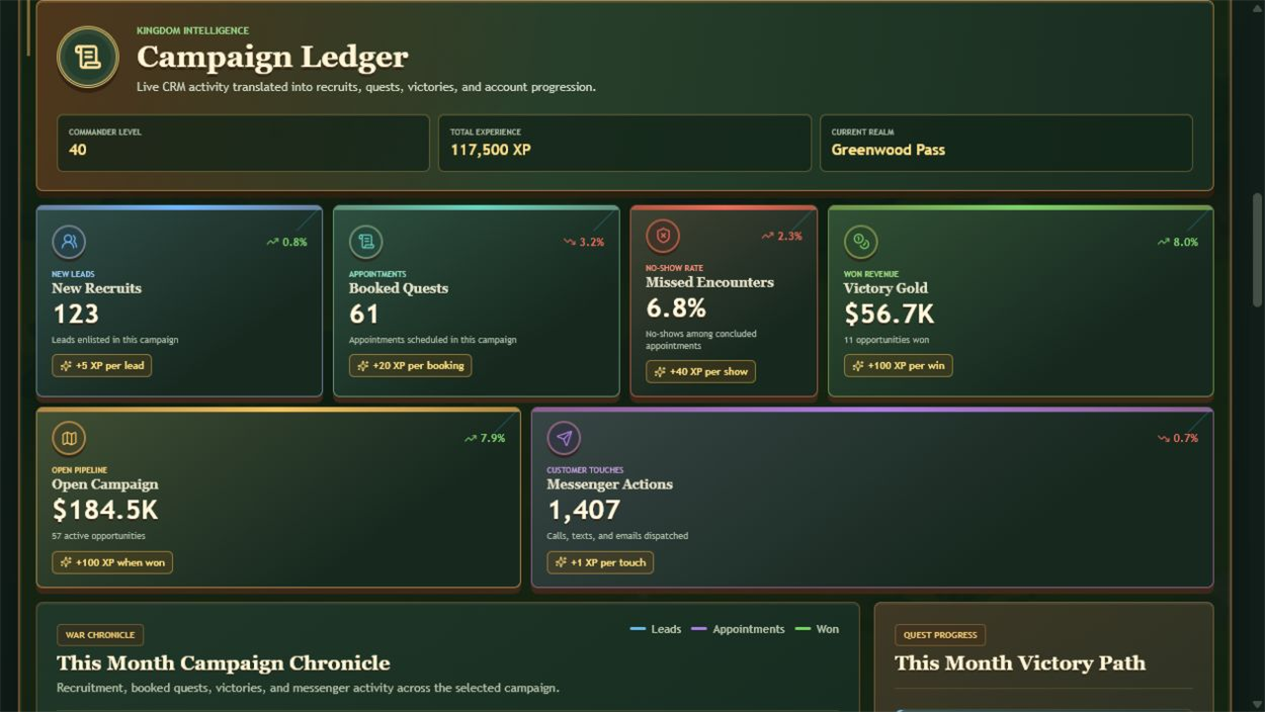
Engagement
Activity and progress · for Teams using CRM Defense
View exampleQuestions, answered
No. Connected-account data is refreshed through a managed queue. Core reporting data is scheduled frequently, while some historical or provider-limited data is reconciled on a longer cadence.
One active connected HighLevel client account or location counts as one account. Reusing the same dashboard embed does not create another charge.
Yes. Authorized source managers can permanently disconnect a source. This invalidates its embed and removes the encrypted credential, cached reporting data, source-specific settings, and related sync state.
No CRM-record write permissions are requested. The narrow oauth.write permission is used only for an authorized company-to-location token exchange.
Ready when your next client is
Start with one connected account, explore the templates, or tell us how you deliver client reporting today.