Useful, but familiar.
A native dashboard is built to serve many account types. It can make a finished client account feel like every other account.
- Generic visual hierarchy
- Reporting that is easy to overlook
- Little sense of your agency’s standard
The Agency Dash Pro product
Agency Dash Pro gives HighLevel agencies a dedicated client-dashboard layer: a polished, embedded reporting experience that turns an ordinary sub-account into a destination your clients recognize, understand, and return to.
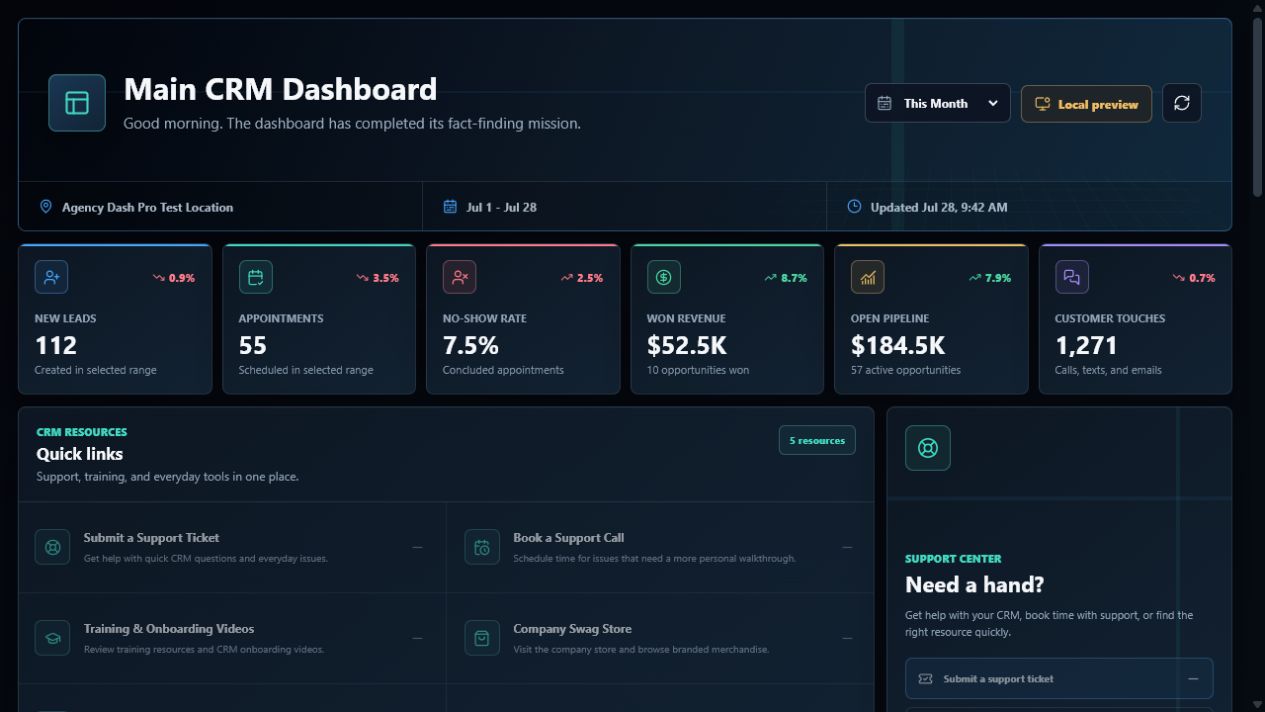
The client experience matters
HighLevel gives every account a functional starting point. Agency Dash Pro turns that starting point into a refined reporting experience—one that looks like it belongs to the service your agency delivers.
A native dashboard is built to serve many account types. It can make a finished client account feel like every other account.
Embed a dashboard that gives important metrics a clear home and makes the account feel intentionally delivered.
More than a dashboard widget
Put a polished reporting destination in the place your client already expects to find the story of their account.
Present the approved pipeline, appointment, revenue, and follow-up signals that make progress easier to understand.
Move beyond a generic starting screen and make your CRM implementation feel deliberate from the first login.
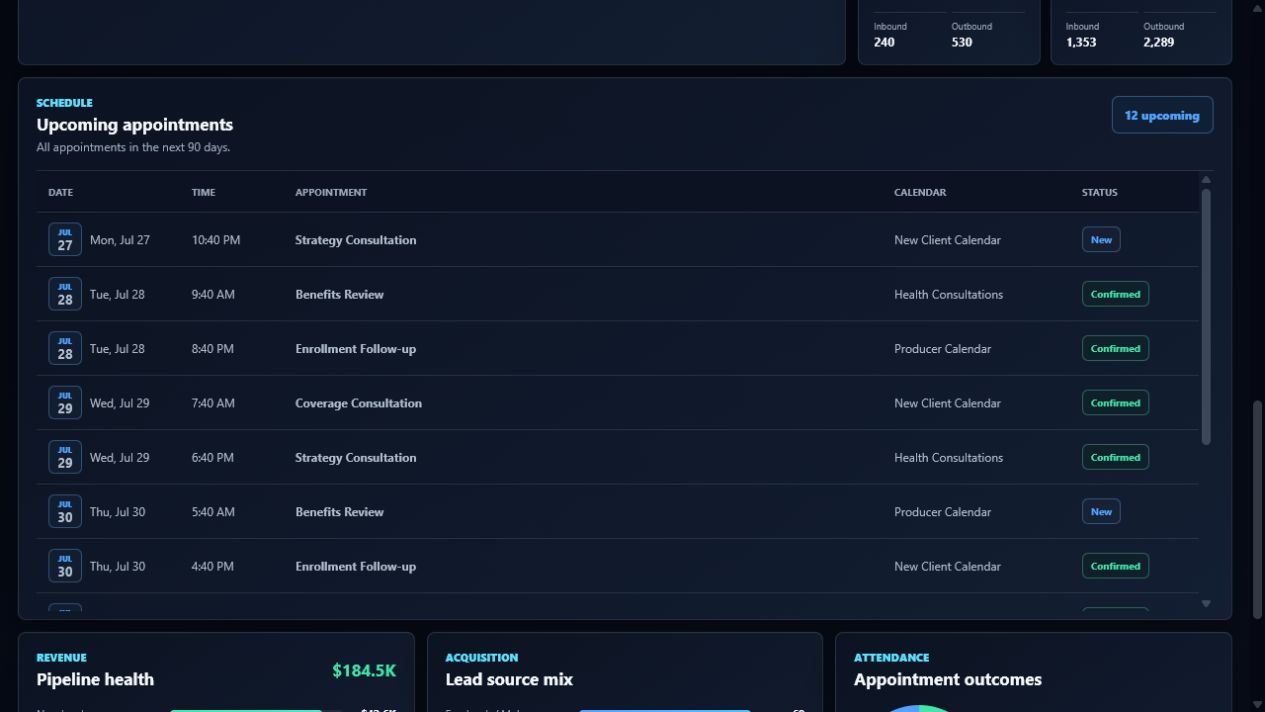
One product, three purposeful layers
Agency Dash Pro is not a replacement CRM. It is the presentation layer that helps your agency deliver HighLevel reporting with more consistency and polish.
A better client-facing CRM experience
Connect an authorized account, choose its reporting experience, and turn the dashboard into a more polished front door for your service.